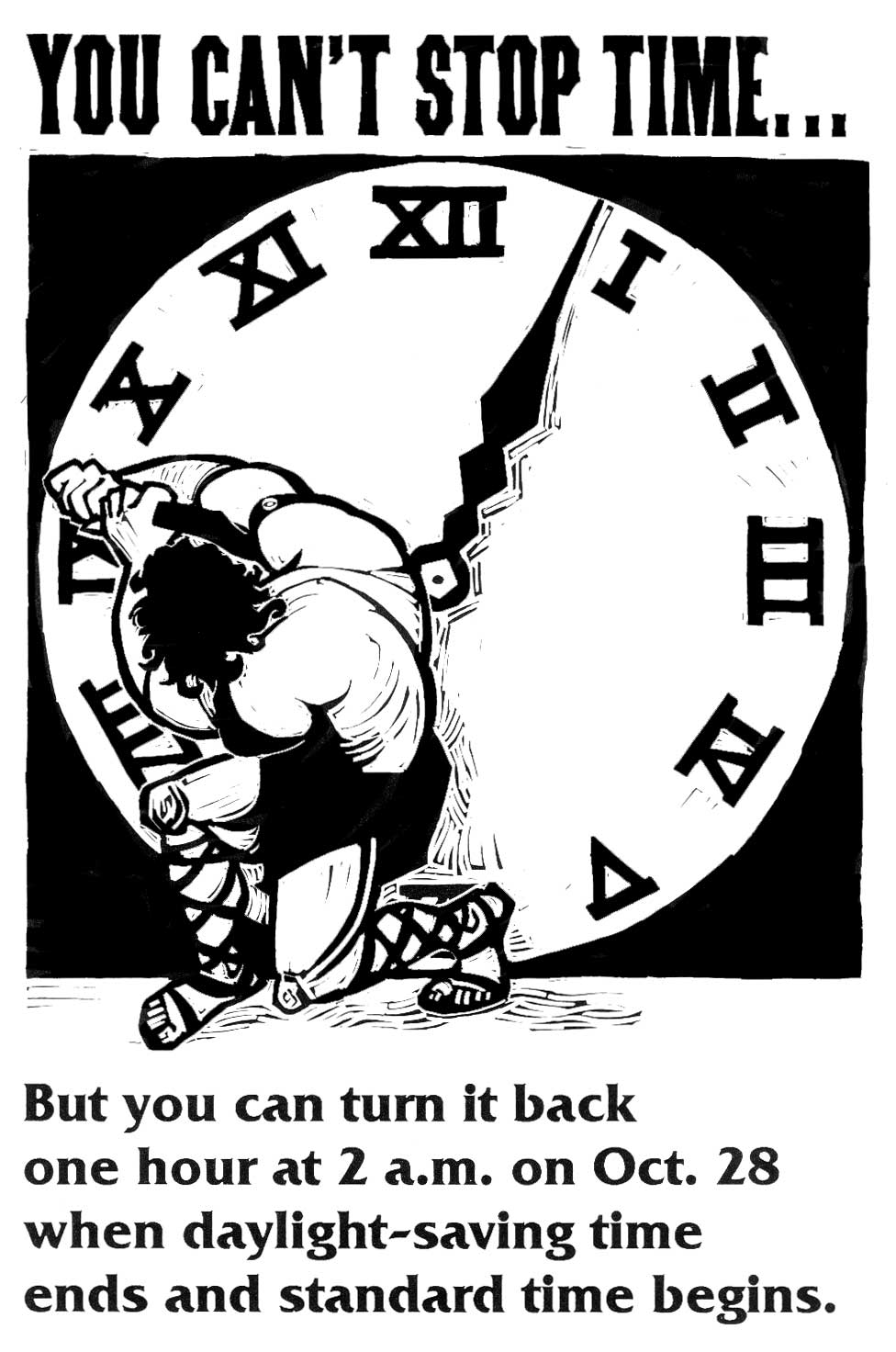
The image above is from a 2001 public service announcement that reminded people to adjust clocks manually. Source: www.defenselink.mil/afis/editors/lineart_oct.html {{PD-USGov-Military}} category:time.
Since I frequent crowded places, and address many groups, I'm often asked, "Can you tell me what time it is?" Usually, that's no problem. But this past week, answering that question's been challenging. Perhaps you can relate.
Here's why: many timepieces have been showing different faces lately. They've seemed unsure about when to say, "Sayanora!" to daylight-saving time (DST) and "Aloha!" to eastern standard time (EST). For example, my desktop computer clock (then set by time.windows.com) automatically fell back a week early. (That was unacceptable, so I've since reset it to time-a.nist.gov. Read "Does your computer know what time it is?" for instructions about resetting your computer's time server. )
Here's why: many timepieces have been showing different faces lately. They've seemed unsure about when to say, "Sayanora!" to daylight-saving time (DST) and "Aloha!" to eastern standard time (EST). For example, my desktop computer clock (then set by time.windows.com) automatically fell back a week early. (That was unacceptable, so I've since reset it to time-a.nist.gov. Read "Does your computer know what time it is?" for instructions about resetting your computer's time server. )
In contrast, my wristwatches, old-fashioned electric and battery-operated clocks, and vehicle dashboards will continue reporting DST until someone changes them manually. Fortunately, the drafts autosaved by Blogger have switched to EST timestamps mid-post, my laptop and the atomic clocks Dad gave me (which are governed by the NIST computers) fell back this morning (presumably at 2 A.M.), and my Treo "smartphone"/PDA should catch up by falling back sometime today.
Why all the hullabaloo? The switch from DST to EST occured one month later than usual in 2007. In time zones that observe DST, the backhanding of timepieces occurred on the first Sunday in November (today, November 4) at 2:00 AM rather than during the last weekend in October. Learn why.
The following mnemonic makes it easy for those who observe DST to remember HOW time changes twice yearly: "spring forward, fall back." However, WHEN to reset clocks can still be confusing.
Fortunately, there are three easily accessible resoures for getting time and staying on track:
"smartphone"/PDA should catch up by falling back sometime today.Why all the hullabaloo? The switch from DST to EST occured one month later than usual in 2007. In time zones that observe DST, the backhanding of timepieces occurred on the first Sunday in November (today, November 4) at 2:00 AM rather than during the last weekend in October. Learn why.
The following mnemonic makes it easy for those who observe DST to remember HOW time changes twice yearly: "spring forward, fall back." However, WHEN to reset clocks can still be confusing.
Fortunately, there are three easily accessible resoures for getting time and staying on track:
- The news media (which requires no forethought to access, and precious little brainpower to keep up with).
- www.Time.gov. As stated at About Time.gov: "This public service is cooperatively provided by the two time agencies of the United States: a Department of Commerce agency, the National Institute of Standards and Technology (NIST), and its military counterpart, the U. S. Naval Observatory (USNO). Readings from the clocks of these agencies contribute to world time, called Coordinated Universal Time (UTC). The time maintained by both agencies should never differ by more than 0.000 0001 seconds from UTC (see recent comparisons). "
The URLs for those sites are: Time & Frequency Division, NIST and Time Service Department, USNO.
- WebExhibits.org>>Daylight Saving Time. WebExhibits (curated by Michael Douma at the Institute for Dynamic Educational Advancement in Washington, D.C.) is an interactive, web-based museum that challenges visitors to think and explore scientific and cultural phenomena in new ways. The Daylight Saving Time exhibit is supported by IDEA, and the U.S. Department of Commerce, National Institute for Standards and Technology (NIST), Time and Frequency Division, as a complement to time.gov.
To take advantage of the extra hour, I chose last night to untwist my hair (a decidedly GNARLY undertaking). Now, if only there were a way to confine such intricate operations to twice a year, and better yet, to program a computer to accomplish them automatically, at a pre-appointed time. ###

(a decidedly GNARLY undertaking). Now, if only there were a way to confine such intricate operations to twice a year, and better yet, to program a computer to accomplish them automatically, at a pre-appointed time. ###


